



1. Sign in to DirectAdmin. Log in to your DirectAdmin control panel. If you need help accessing your account, see our guide on [logging in to DirectAdmin].
2. Open the PHP settings. Scroll to the Extra Features section and select Select PHP Version.

3. Choose and save your version. Pick the PHP version you need from the drop-down menu, then click Apply to save the change.
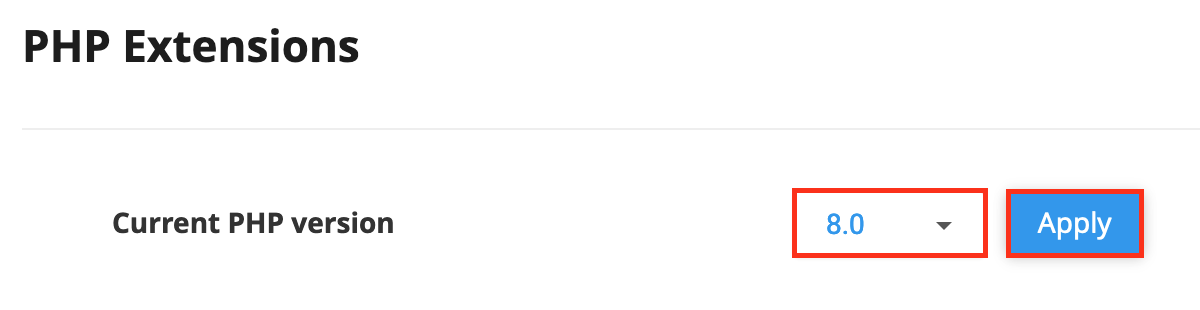
That’s it. Your domain will now run on the selected PHP version.
